Aedon Home Page
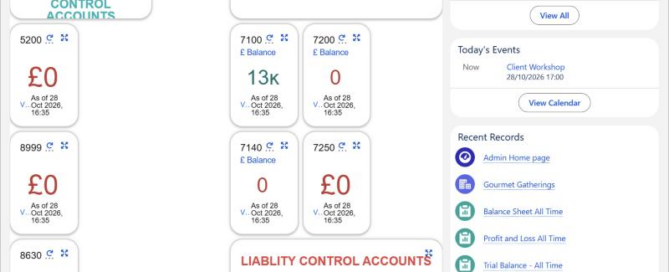
The Aedon app home pages and dashboards: which dashboard each Aedon app shows, what it tells you and how to refresh it.

The Aedon app home pages and dashboards: which dashboard each Aedon app shows, what it tells you and how to refresh it.
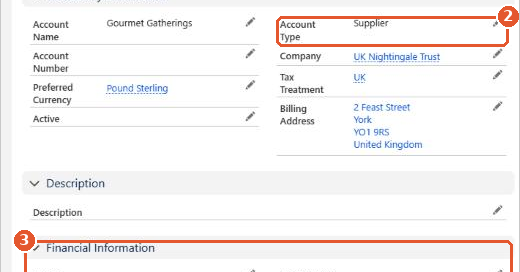
Set up customers and suppliers as accounts in Aedon.Accounting, and what the financial fields, credit terms and account tabs do.
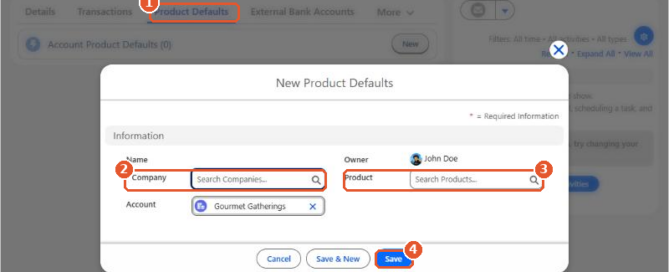
Add a default product to a customer or supplier in Aedon.Accounting so it's added automatically to every new invoice for that account.
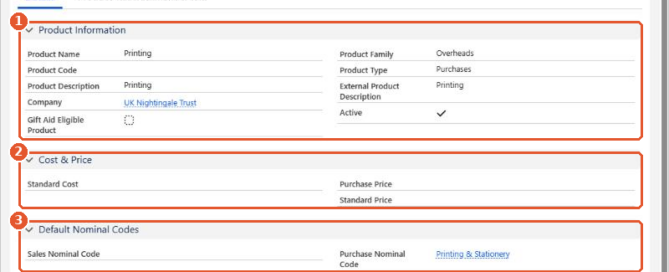
Create and set up products in Aedon.Accounting with prices, default nominal codes and tax codes, so invoice lines are quick and accurate.
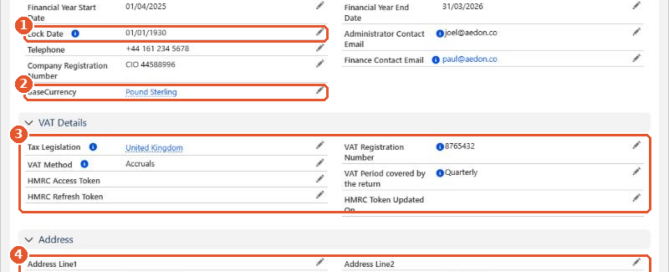
View and change your company details in Aedon.Accounting: lock date, base currency, VAT details, Gift Aid information and address.
Create a new financial year and its periods in Aedon.Accounting, manually or by import, before you post into the new year.
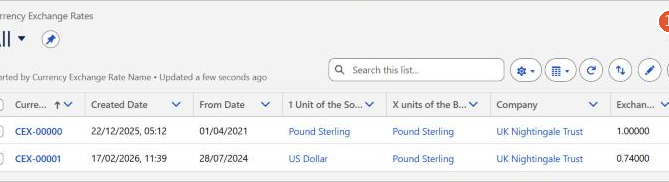
Add a currency exchange rate in Aedon.Accounting to convert a foreign currency into your company's base currency from a chosen date.
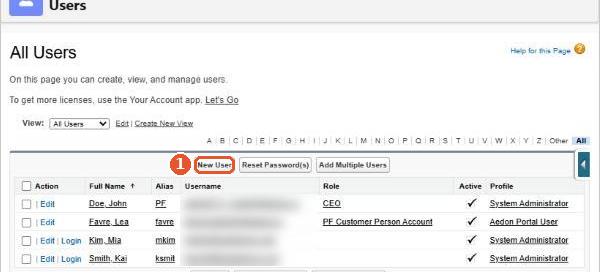
Add a new Salesforce user for Aedon.Accounting: create the user, assign the Aedon permission sets and give access to the right companies.
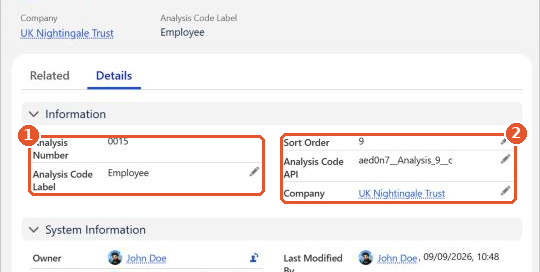
Set up analysis codes in Aedon.Accounting to analyse transactions by fund, project or department, and add the values your users choose from.













Expert perspectives on efficiency, automation, and the evolving role of finance leaders. Practical steps to make your finance team more effective. No Spam. Ever. Unsubscribe anytime. Terms
Aedon.Accounting
Suite 48, 792 Wilmslow Road,
Manchester, M20 6UG,
United Kingdom
© 2026 Aedon.Co Limited | Registration No.14278135
Aedon Co Ltd is an Authorised Representative of Yapily Connect Ltd for the provision of Account Information Services.
Yapily Connect Ltd is a company registered in England and Wales with no. 11598433. Yapily Connect Ltd is regulated by the UK Financial Conduct Authority with no. 827001 and it is a fully owned subsidiary of Yapily Ltd. Any complaints can be submitted here