Budget Layers
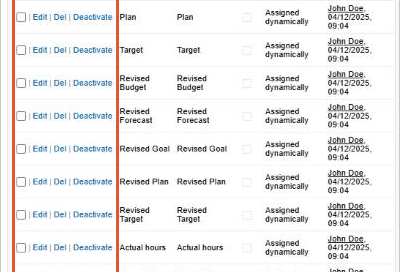
What budget layers are in Aedon.Accounting and how to use them to record budgets and forecasts and compare them with actual figures.

What budget layers are in Aedon.Accounting and how to use them to record budgets and forecasts and compare them with actual figures.
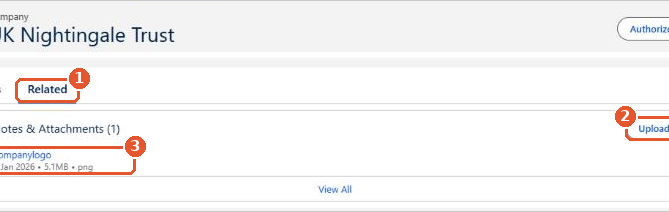
Add your company logo to Aedon.Accounting by attaching a .png file named companylogo to your company record, and check the file name and format.
Rename or add budget layers for Aedon.Accounting in Salesforce Setup, such as Budget, Forecast and Revised Budget, as a Salesforce administrator.
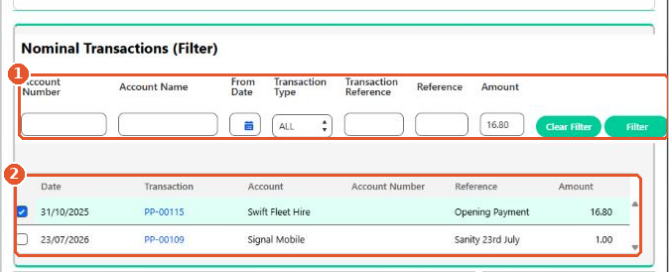
Use Match to Payment in Aedon.Accounting to reconcile a bank statement line against one or more existing payments, receipts or transfers.
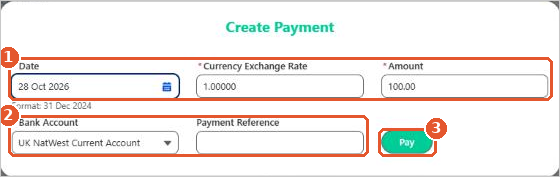
The three ways to create a purchase payment in Aedon.Accounting: from the invoice, with Bulk Pay, or from the bank reconciliation.
What a purchase refund is in Aedon.Accounting: money a supplier pays back to you from a credit or payment on account, and its posting rules.
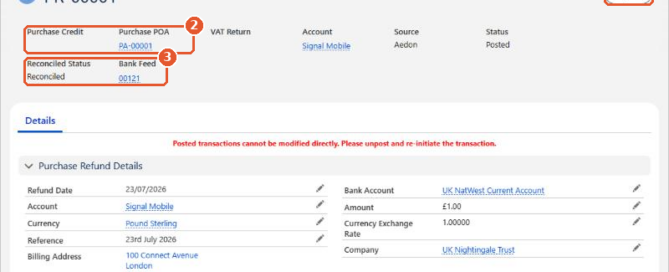
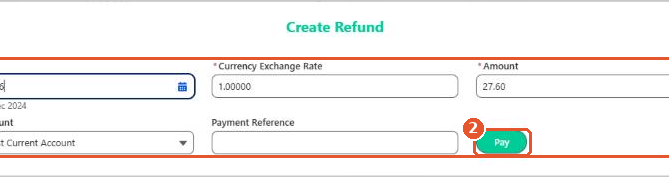
Record a supplier refund on a purchase credit in Aedon.Accounting when the supplier pays back the value of a credit note.
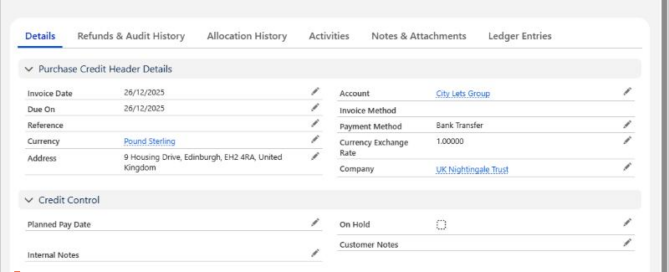
What a purchase credit is in Aedon.Accounting: a supplier credit note that reduces what you owe, how to allocate it, and its posting rules.
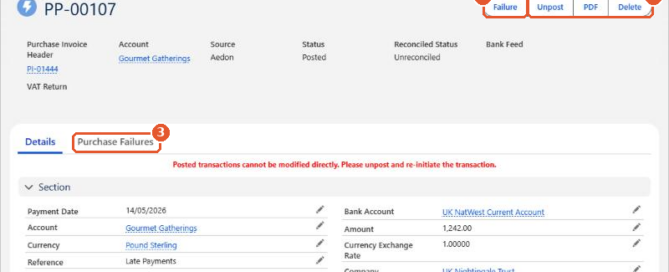
What a purchase payment is in Aedon.Accounting: money paid to a supplier against an invoice, the actions available on it, and its posting rules.













Expert perspectives on efficiency, automation, and the evolving role of finance leaders. Practical steps to make your finance team more effective. No Spam. Ever. Unsubscribe anytime. Terms
Aedon.Accounting
Suite 48, 792 Wilmslow Road,
Manchester, M20 6UG,
United Kingdom
© 2026 Aedon.Co Limited | Registration No.14278135
Aedon Co Ltd is an Authorised Representative of Yapily Connect Ltd for the provision of Account Information Services.
Yapily Connect Ltd is a company registered in England and Wales with no. 11598433. Yapily Connect Ltd is regulated by the UK Financial Conduct Authority with no. 827001 and it is a fully owned subsidiary of Yapily Ltd. Any complaints can be submitted here